


.svg)








.png)


.png)
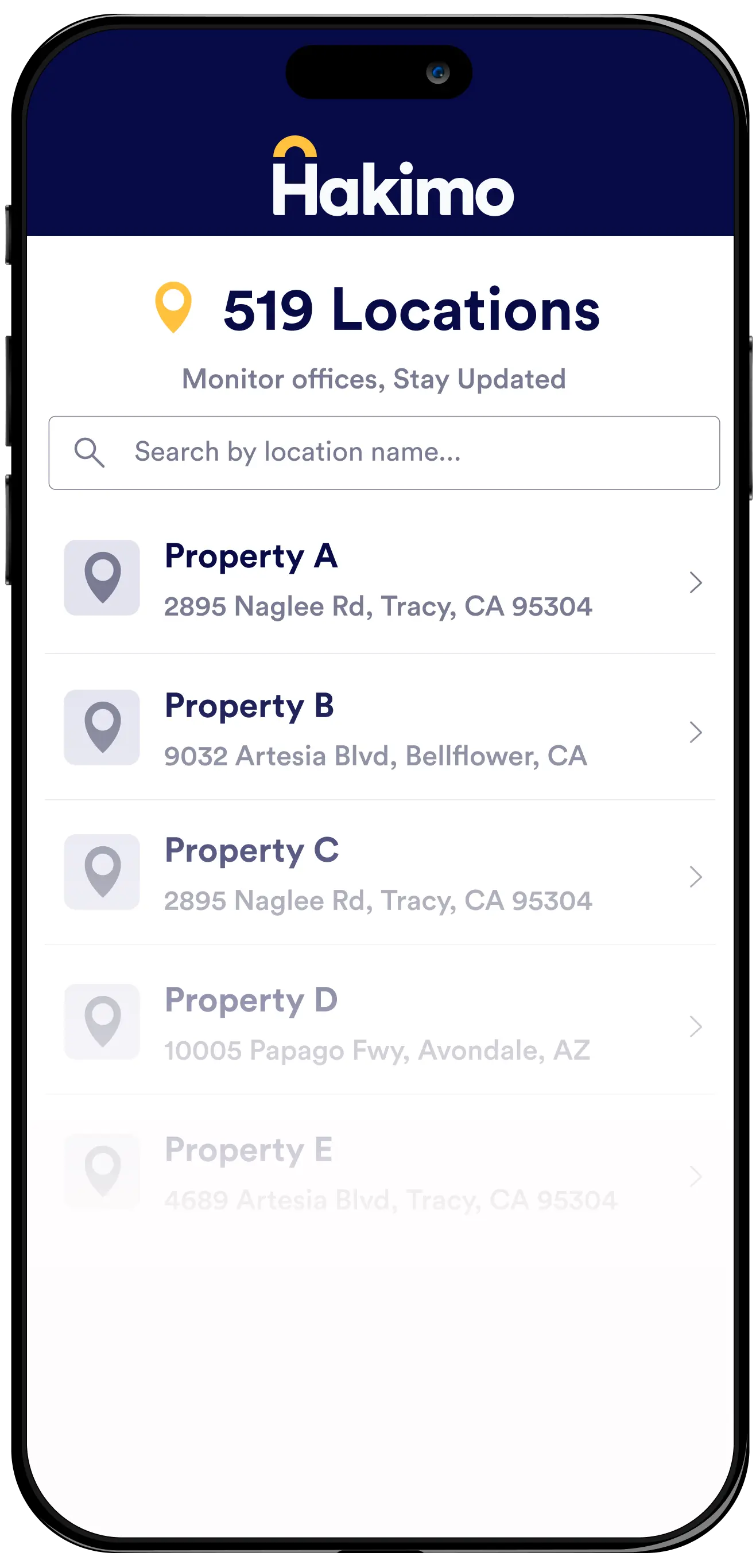
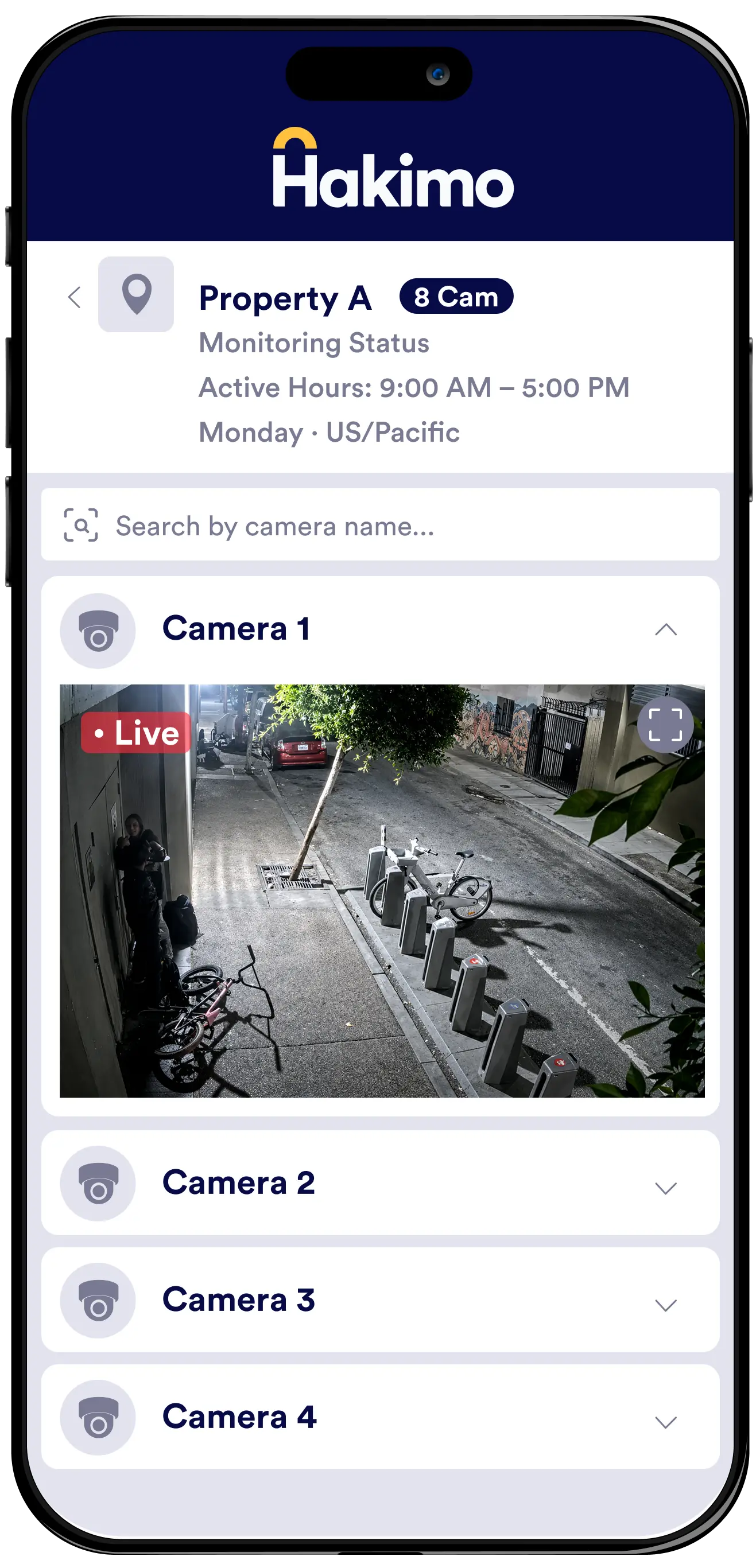
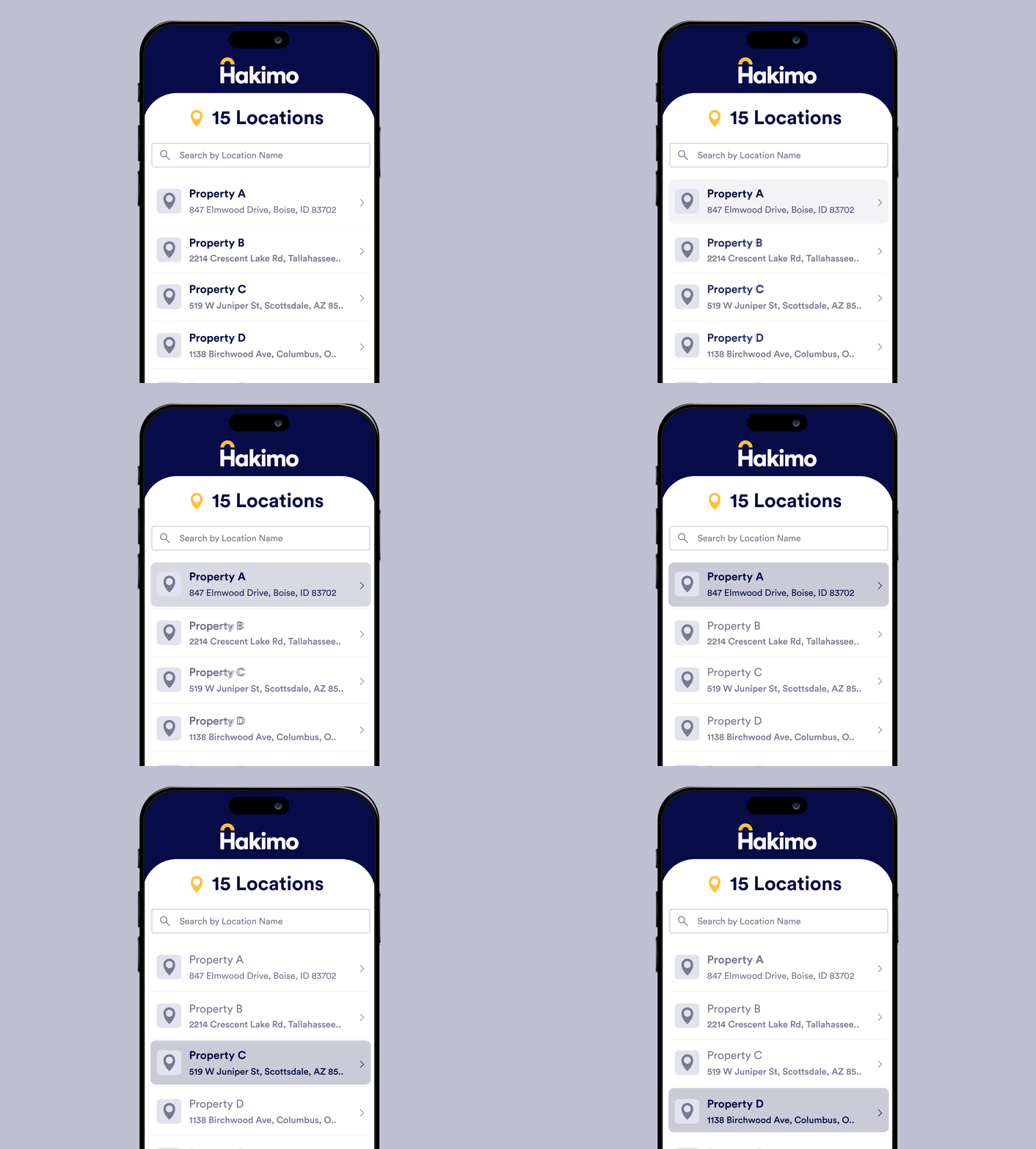
Manage your entire portfolio from one place. Quickly find a property, review its monitoring status, and instantly access every connected camera for live or recent footage.
.gif)
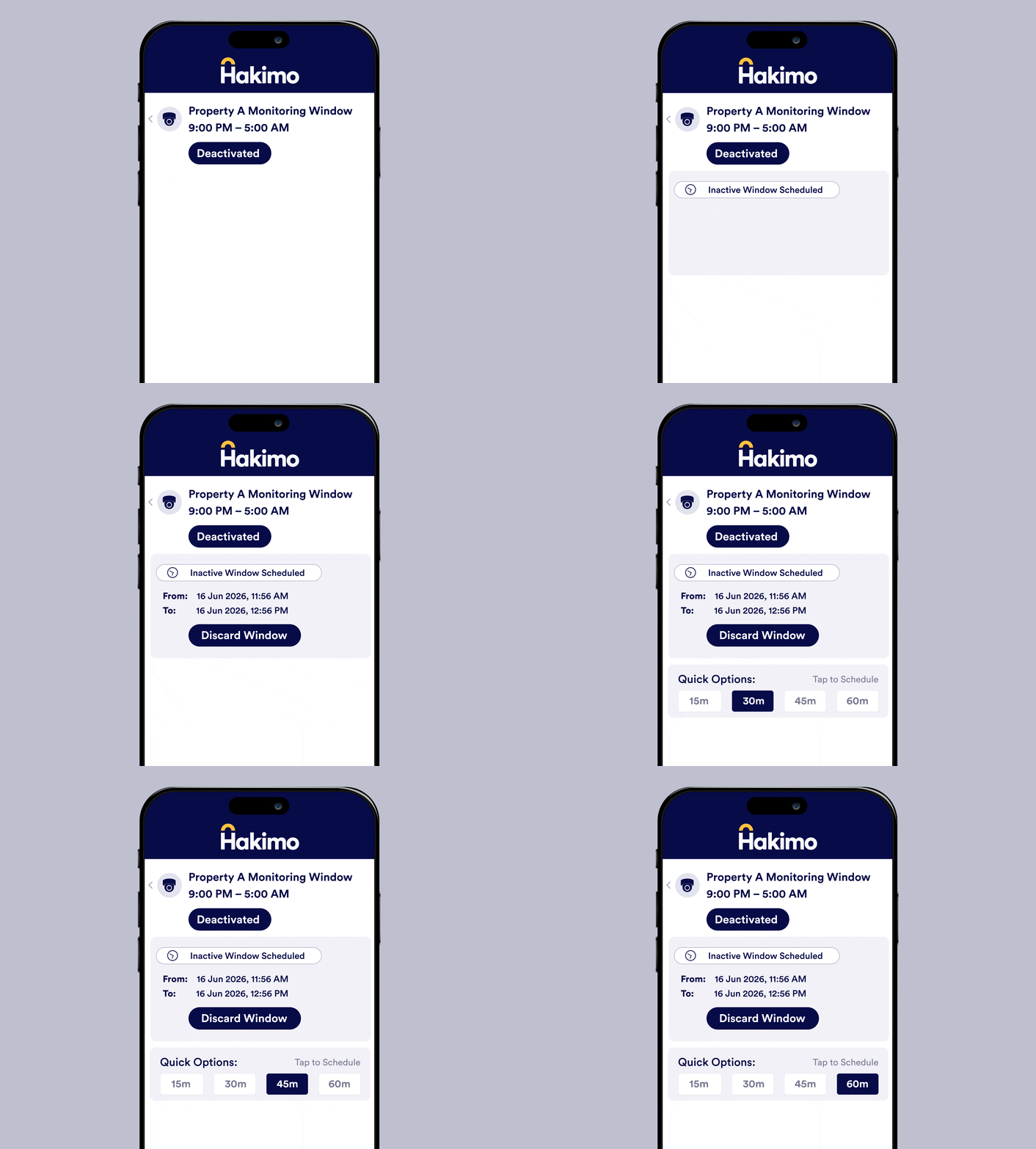
Temporarily suspend monitoring for a property, schedule an inactive window, and resume protection automatically when you're done.
Push notifications surface critical events the moment they happen — with a unified inbox organized by day.
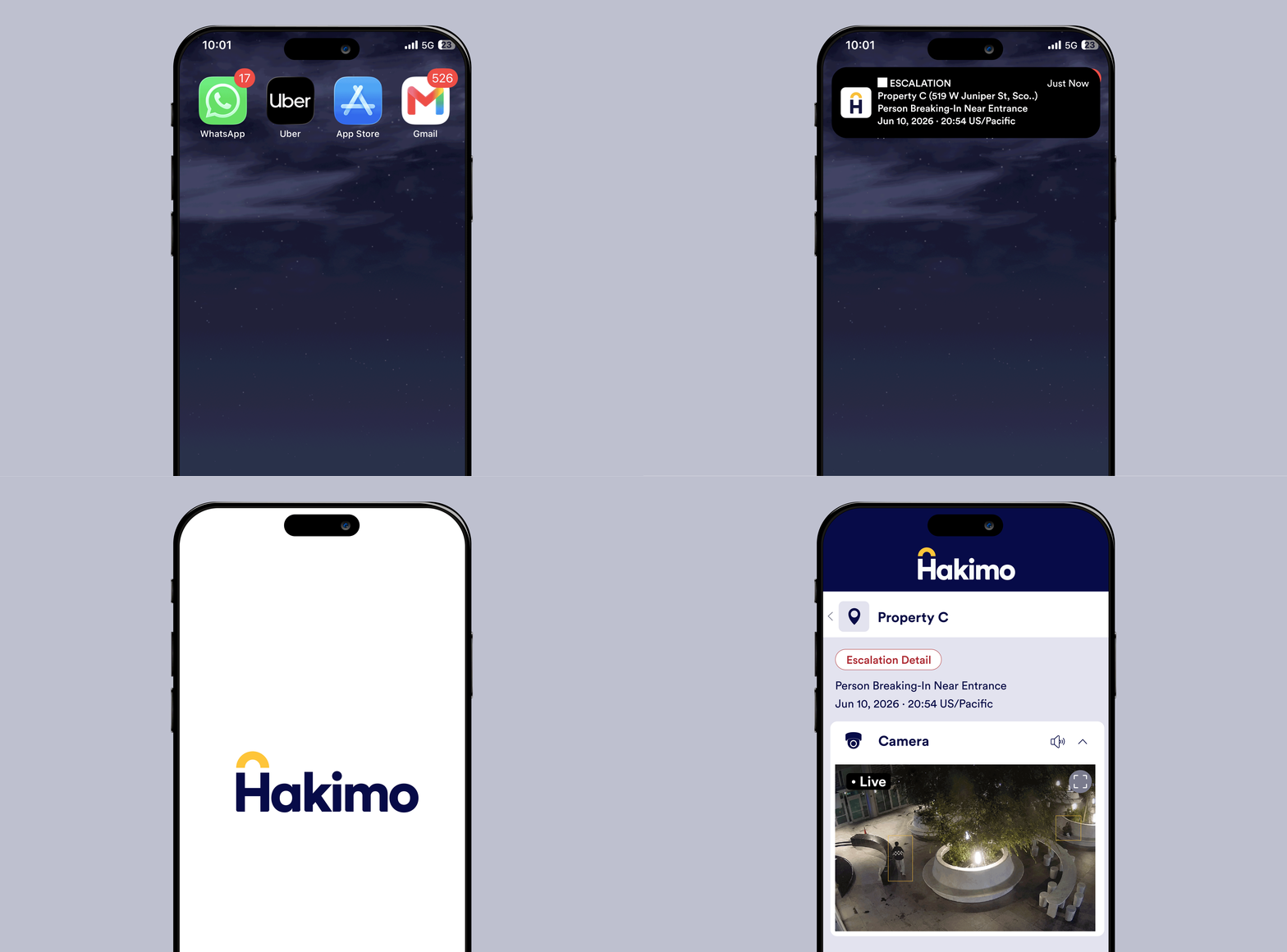


The Hakimo Mobile App gives security teams and property managers access to their security operations from anywhere. Users can view properties and cameras, manage monitoring status, receive incident notifications, and review security events directly from their phone.
Yes. Users can access connected cameras across their properties, view live or recent footage, check the latest snapshots, and expand camera feeds for closer review directly from the Hakimo Mobile App.
Yes. The Hakimo Mobile App sends push notifications for escalated incidents as soon as they are verified. Alerts include information such as the property, camera, event classification, timestamp, and severity level.
Yes. Users can open a notification directly into the associated incident to review footage and event context. Historical alerts are also available in a chronological feed, making it easier to review previous security events.
Yes. Users can check monitoring status, temporarily pause monitoring, schedule inactive windows, and automatically resume monitoring when the scheduled period ends.
Yes. The Hakimo Mobile App provides centralized access to monitored properties and their connected cameras, making it easier for security and property teams to manage multiple locations from one place.
The Hakimo Mobile App is useful for security teams, property managers, operations teams, and portfolio leaders who need real-time visibility into security operations across one or multiple locations.
.png)
.png)





.png)

